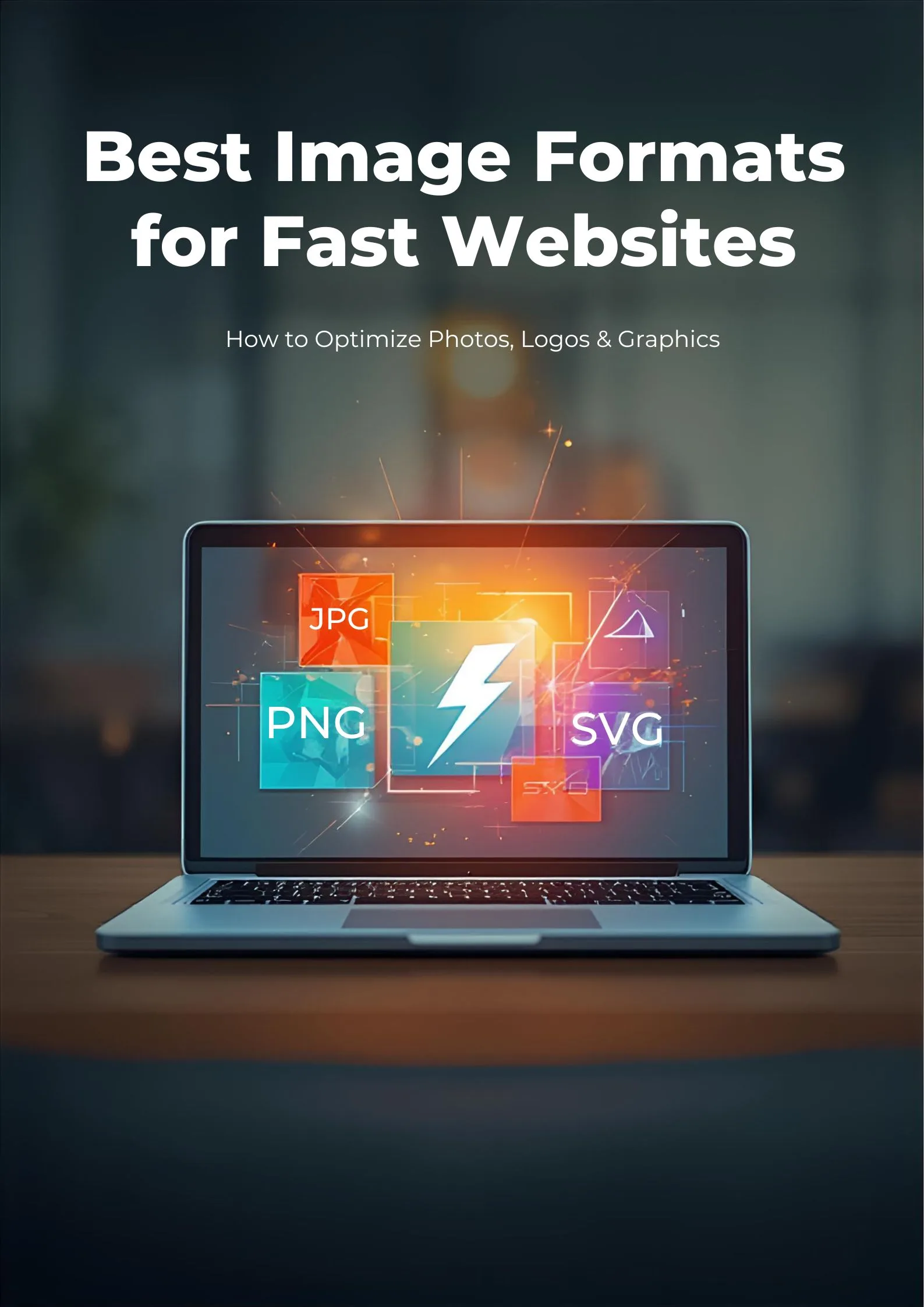
Kids from the 80s and 90s are known for their GIFs (some of the first basic animations available on the web)—BMPs for backgrounds in Windows, and JPGs for well, photographs. But image formats have come a long way since then. Here are some of the top image formats:
| Format | Pros | Cons | Typical Use Case |
|---|---|---|---|
| JPEG | – Small file size – Widely supported – Good for photos | – Lossy compression (quality loss) – No transparency support | Photographs, web images, social media |
| PNG | – Lossless compression – Supports transparency (alpha channel) | – Larger file size than JPEG – Not ideal for large photos | Logos, graphics, images needing transparency |
| GIF | – Supports animation – Small file size for simple graphics | – Only 256 colors – Poor photo quality – No alpha channel | Simple web animations, memes, low-color graphics |
| WebP | – Small file size (better compression) – Supports animation & transparency – Good quality | – Not fully supported on all platforms – Editing software support varies | Modern websites, web graphics, replacing JPEG/PNG/GIF |
| SVG | – Scalable (vector) – Small file size for icons/graphics – Editable code | – Not ideal for photos – Complexity with detailed illustrations | Icons, logos, UI graphics, responsive web design |
| BMP | – Simple format – No compression (retains quality) | – Large file size – Not web-friendly | Raw image storage, legacy systems |
| TIFF | – High quality – Supports layers & transparency – Lossless | – Very large files – Not ideal for web | Professional photography, publishing, archiving |
| HEIF/HEIC | – High compression (small files) – Good quality – Metadata rich | – Limited compatibility – Patent/licensing issues | Mobile photos (especially iOS), modern photo storage |
| RAW | – Highest quality, unprocessed data – Maximum flexibility editing | – Huge file size – Special software needed – Not web-friendly | Professional photo editing, archiving, digital cameras |
Images can make or break a website, and they also impact SEO optimization. Using proper formats, compression, file name formats, and alt text can actually improve your ranking. Speed in loading also affects how long visitors spend on your website, which can also impact ranking.
Often, you’ll want a transparent background, especially for web-based graphics. The file formats that support this are: PNG, GIF, WEBP, and SVG. GIF and WebP also support animation.
If you want to work with the highest image quality possible, then .raw is the file format you should use; keep in mind that these file formats are large.