Skip to content
  • A.I.
  • Programming
  • Design
  • S.E.O.
TechnicallyBroken.com

TechnicallyBroken.com

Short learning's from one man's attempt to stay relavant in the age of A.I.

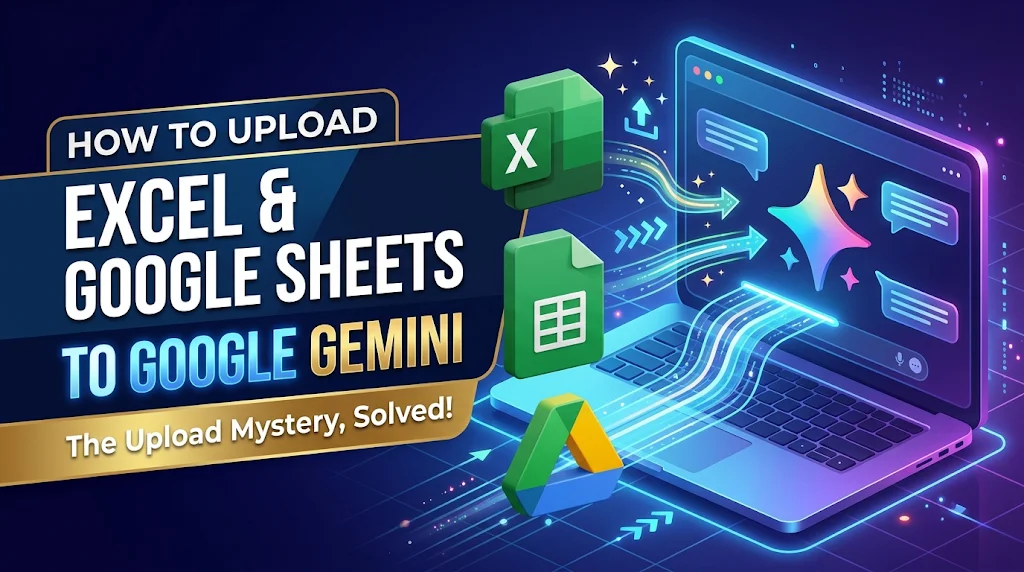
3D illustration of Microsoft Excel and Google Sheets icons transferring data into a laptop running Google Gemini AI, featuring the article title How to Upload Excel and Google Sheets to Google Gemini.

Why can I upload a excel spreadsheet but not a google sheets spreadsheet to Gemini?

Posted on November 12, 2026November 12, 2026 By C.B. No Comments on Why can I upload a excel spreadsheet but not a google sheets spreadsheet to Gemini?

You cannot upload a Google Sheet using the standard file attachment button. Google Sheets are live cloud documents rather than standalone physical files stored on your computer’s hard drive.

When you click the upload button, your browser only searches your local storage for physical files (like an Excel .xlsx or a .csv). Since a Google Sheet lives entirely online, there is no physical file to select.

To analyze your Google Sheet, use one of these two methods:

Method 1: Connect via Google Drive (Simplest)

  1. Type @Google Drive directly into the chat box followed by the name of your file (e.g., @Google Drive Q3 Budget).
  2. Submit the prompt so I can locate and read the live file directly from your cloud.Verification: A Google Workspace chip will appear in my response confirming the file was accessed.

Method 2: Export as an Excel File

  1. Open your Google Sheet in a web browser.
  2. Click File > Download > Microsoft Excel (.xlsx) to save a physical copy to your computer.
  3. Click the + attachment button in our chat to upload that newly downloaded .xlsx file.Verification: The Excel file icon will appear inside your prompt box before you hit send.

A.I.

Post navigation

Previous Post: Gemini Intelligence: What model to use? And what’s the difference between extended thinking and deep research?

Related Posts

AI chat prompt token count and context window infographic, centered Unlocking AI Chat Secrets: How Token Counts Limit Your Prompts (And How to Win) A.I.
Group of professionals looking up at an AI certification symbol above a futuristic city skyline, representing career acceleration in artificial intelligence. 2025’s Must-Have AI Certifications: Expert Picks to Accelerate Your Career A.I.
Zapier: Workflow Builder vs. AI Agent A.I.
Canva vs. ChatGPT: Which AI Tool Actually Creates Better Images? A.I.
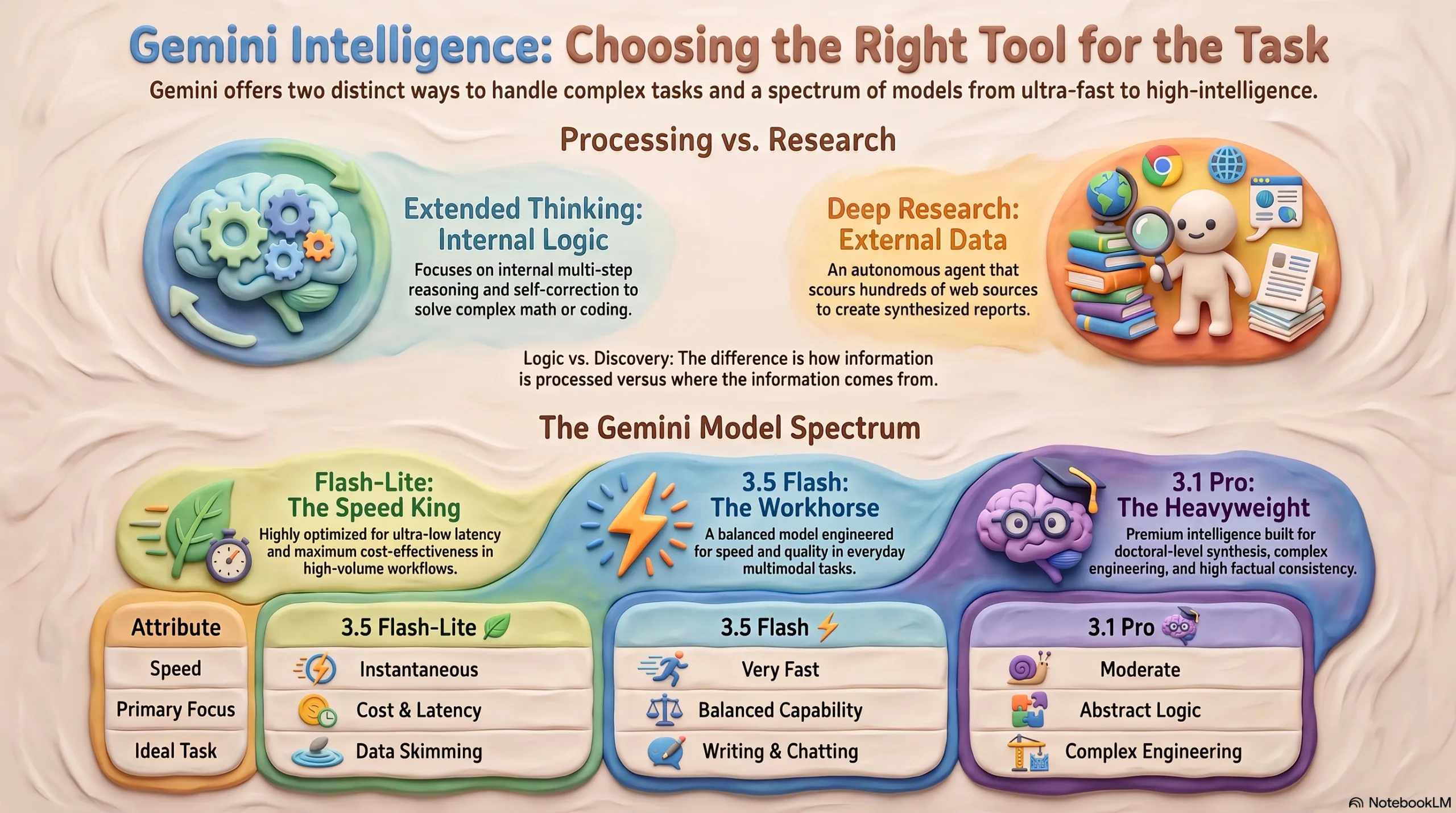
Infographic titled 'Gemini Intelligence: Choosing the Right Tool for the Task' showing internal thinking with gears and brain on the left and external data with a researcher and books on the right. Gemini Intelligence: What model to use? And what’s the difference between extended thinking and deep research? A.I.
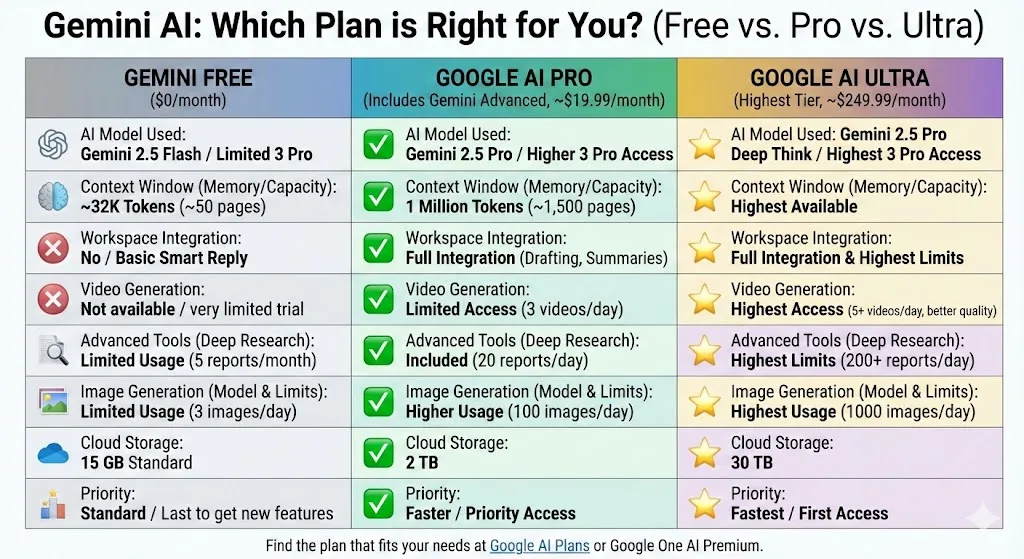
Infographic comparing Gemini AI Free, Google AI Pro (Gemini Advanced), and Google AI Ultra plans with features like AI model, context window, workspace integration, video/image generation, cloud storage, and priority. Maximize Creativity with Gemini 3: Is the Pro Plan the Best Choice? A.I.

Leave a Reply Cancel reply

Your email address will not be published. Required fields are marked *

Search

  • A.I.
  • Design
  • Programming
  • S.E.O.
  • Why can I upload a excel spreadsheet but not a google sheets spreadsheet to Gemini?
  • Gemini Intelligence: What model to use? And what’s the difference between extended thinking and deep research?
  • Mastering IndexNow: How to Send POST Requests for Faster Crawling
  • Mastering Google Analytics: Understanding Structure and Moving Properties
  • Zapier: Workflow Builder vs. AI Agent

Copyright © 2025 TechnicallyBroken.com

Powered by PressBook Masonry Dark