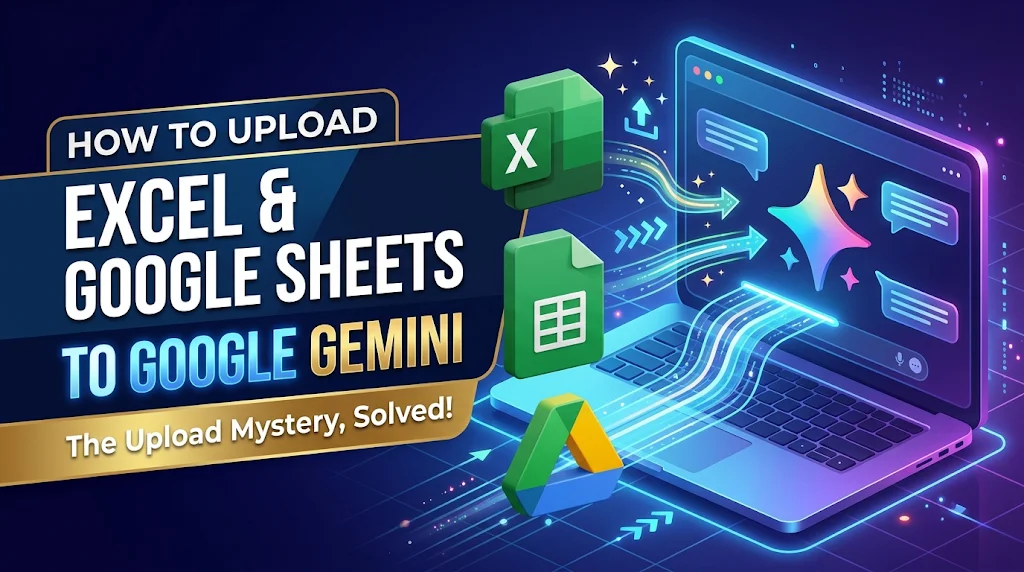
You cannot upload a Google Sheet using the standard file attachment button. Google Sheets are live cloud documents rather than standalone physical files stored on your computer’s hard drive.
When you click the upload button, your browser only searches your local storage for physical files (like an Excel .xlsx or a .csv). Since a Google Sheet lives entirely online, there is no physical file to select.
To analyze your Google Sheet, use one of these two methods:
Method 1: Connect via Google Drive (Simplest)
- Type
@Google Drivedirectly into the chat box followed by the name of your file (e.g.,@Google Drive Q3 Budget). - Submit the prompt so I can locate and read the live file directly from your cloud.Verification: A Google Workspace chip will appear in my response confirming the file was accessed.
Method 2: Export as an Excel File
- Open your Google Sheet in a web browser.
- Click File > Download > Microsoft Excel (.xlsx) to save a physical copy to your computer.
- Click the
+attachment button in our chat to upload that newly downloaded.xlsxfile.Verification: The Excel file icon will appear inside your prompt box before you hit send.